How to start using AI in your company with six concrete uses
Six uses of AI that show up in almost every department, what they look like in each one and three steps to get started without a big project.
Juan Miguel Jiménez P. · August 6, 2026 · 6 min read

Every time a company takes on a major change, whether it's a new system, a reorganization or a different way of selling, the same two questions almost always come up: where do I start, and what does this mean for my team's day-to-day work? AI is no different, and both questions get answered by looking first at which everyday task changes and what impact it has on the business.
Have you ever been in a meeting where someone says “we need to do something with AI” and nobody knows what to propose? In companies that haven't taken the step yet, it's the most common scenario, and there's a simple explanation: what holds back the people who haven't started is that they don't see the practical application. This article is for that moment, when a company is getting started with AI.
The starting point is the business goals
Before talking about tools, it pays to look at the goals of the business or the department from two angles. The first is the pain points: where time gets lost, where there's rework, which task eats up the team's hours. The second is what else you could be doing in line with those goals and aren't doing today because nobody has time for it.
Once that's pinned down, you work with the right team to design the solution and define the technology that helps solve it, and AI is one of the possible technologies. The order matters: process first, tool second. The company that starts with the tool usually ends up looking for a problem to justify the purchase.
Six uses of AI show up in almost every department of a company
OpenAI published a guide to identifying and scaling AI use cases, and it organizes them into six capabilities. I've ordered them starting with the ones a manager recognizes fastest:
- Content creation. Summarizing, drafting and repurposing text in different styles, formats and languages.
- Research. Finding, synthesizing and structuring information from inside and outside the company.
- Data analysis. Cross-referencing sources, spotting trends and interpreting dashboards and spreadsheets.
- Strategy and brainstorming. Exploring options, planning and getting critical feedback on complex work.
- Coding. Writing and fixing code or small dashboards, even if you're not a programmer.
- Automations. Handing off repetitive tasks to an assistant configured with your instructions.
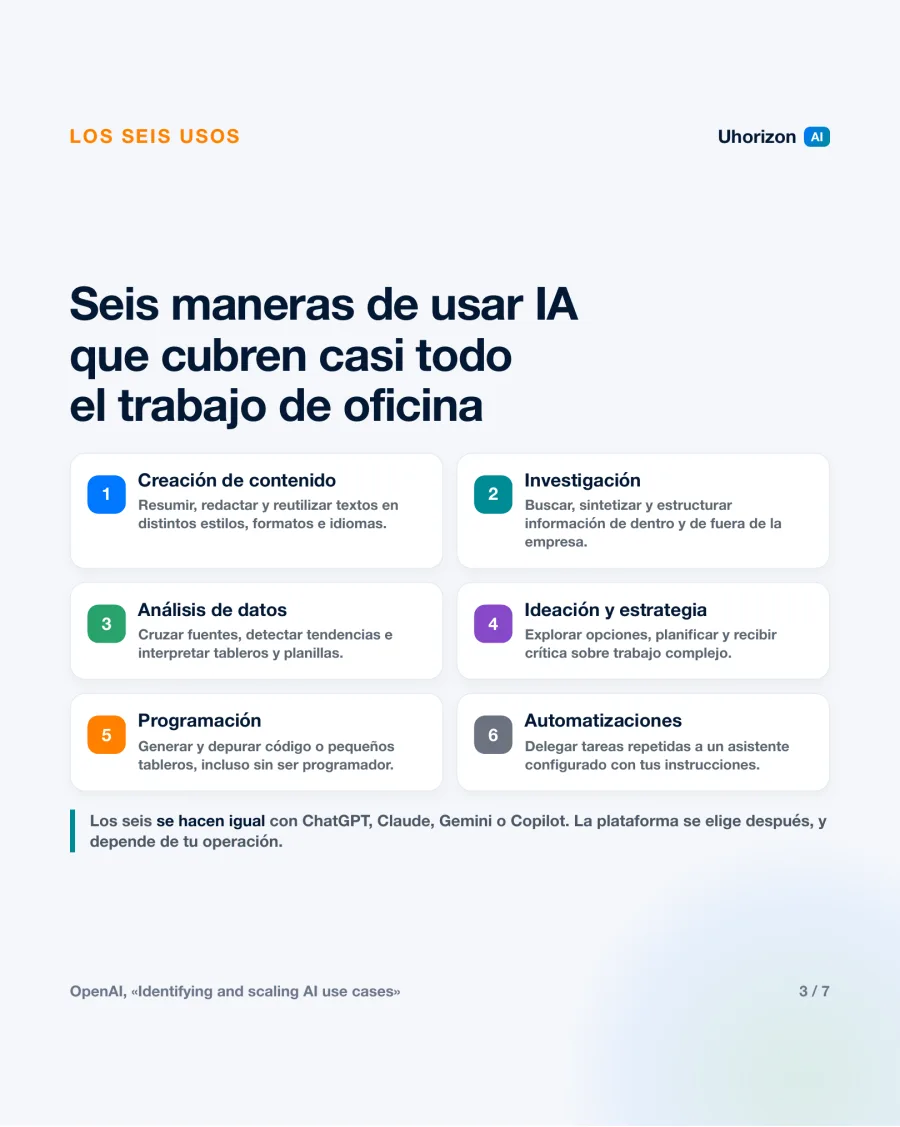
All six can be done with ChatGPT, Claude, Gemini or Copilot. The platform gets chosen afterward, and it depends on your operation, the licenses you already pay for and where your data lives.
Each department finds its first use inside its own work
The list becomes useful when you look at it through the eyes of a specific department. These are examples from the same guide:
- Marketing. Campaign strategies, headlines and first drafts; researching industries, competitors and new audiences; adapting a piece for another channel or translating it for another market.
- Finance. Drafts of accounting policies and memos for an expert to review; analyzing spend and reconciling data across different spreadsheets; turning the weekly numbers into an executive summary with alerts.
- Sales. Account plans, call scripts and follow-up emails; researching a prospect's industry and competitors before the meeting; reviewing the pipeline and qualifying prospects by their buying signals.
- Operations and IT. Evaluating new vendors and comparing the strengths and weaknesses of their products; turning meeting notes into a summary with dependencies and next steps; reviewing the system architecture and asking for risks and opportunities for improvement.
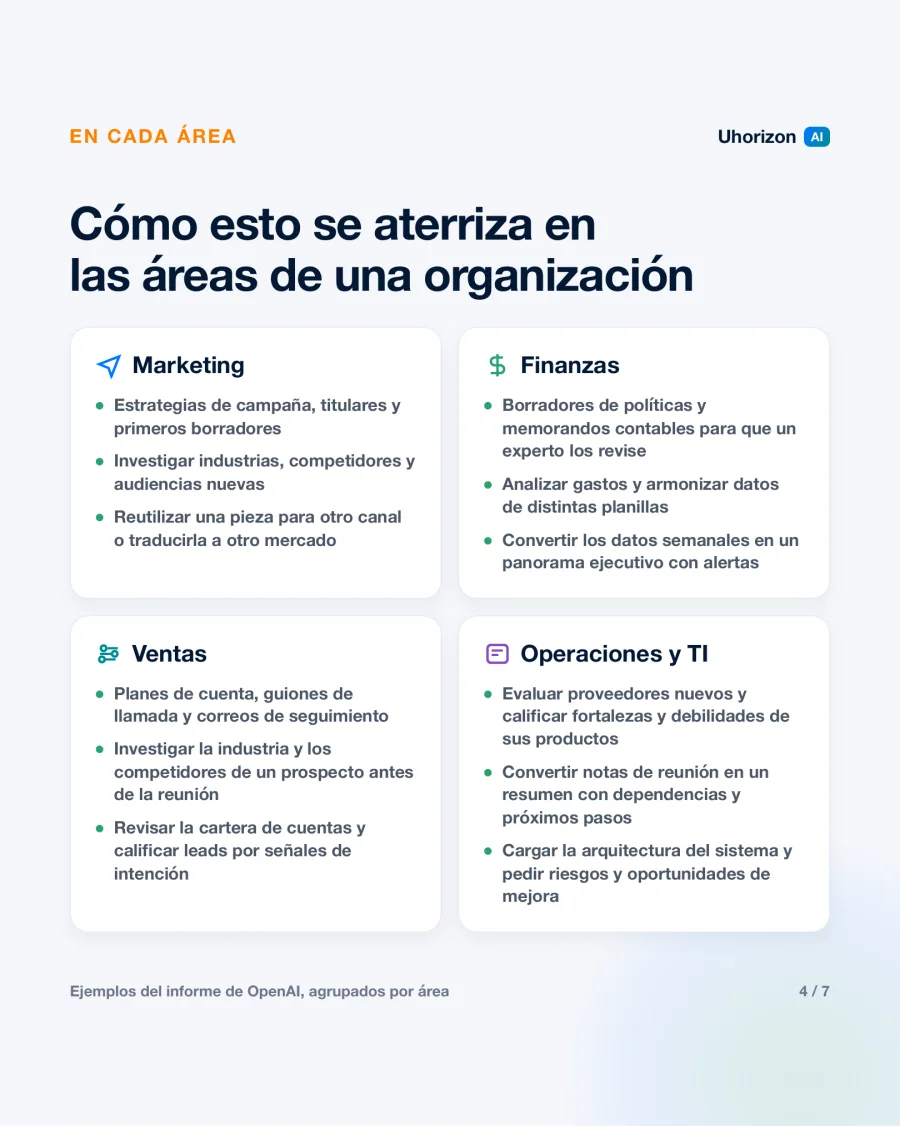
Notice that none of those examples requires a big project. They're tasks someone does by hand every week today, and with a corporate account and well-written instructions they can get done in a lot less time.
Three sessions help you find your company's use cases
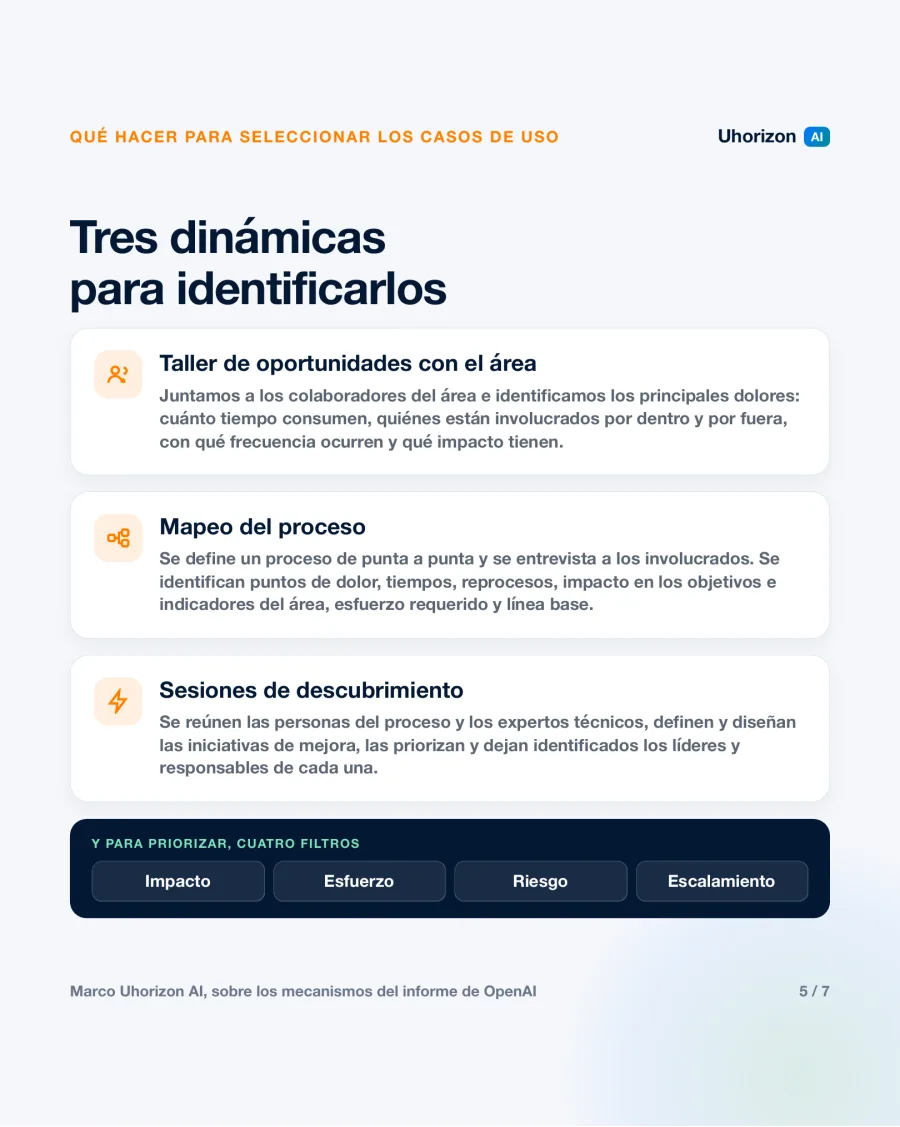
Knowing there are six uses still doesn't tell you which one is yours. For that we work with three kinds of sessions, which can be combined:
- Opportunities workshop with the department. We bring together the department's team and identify the main pain points: how much time they take, who is involved inside and outside the company, how often they happen and what impact they have.
- Process mapping. You take one process end to end and interview the people involved. That's where the pain points, the cycle times, the rework, the impact on the department's goals and KPIs, the effort required and the baseline come from, meaning how the process looked before you started.
- Discovery sessions. The people in the process and the technical experts get together, define and design the improvement initiatives, prioritize them and identify the leaders and owners of each one.
To prioritize what comes out of those sessions we use four filters: impact, effort, risk and scalability, which is how much of what you learn can later be taken to other departments.
What you can do on Monday fits in three steps
If you want to get started without setting up a big project, this is what I recommend:
- Pick one department and one use, the one that eats up the most repetitive hours on your team today. A single initiative moves forward, and six at once stall halfway.
- Give that team corporate licenses, and check each vendor's contract to make sure your data is excluded from model training. The personal accounts people already use give you no control or visibility over what gets shared.
- Write down how long that task takes today. It's the only thing that will later let you say whether it worked, and writing it down before you start takes five minutes.
To make it concrete: if someone in Finance pulls three spreadsheets together every Friday to build the weekly summary for leadership, there you have your first department, your first use (data analysis) and your first measurement: the hours it takes them today.
It's like starting at the gym. Nobody starts by training six different routines on day one, and whoever tries usually quits in the second week. You start with one, measure your progress and then add the next.
In the end, the question of where to start has a fairly concrete answer: one department, one use and one number written down before you begin. And having someone alongside you who has already done it in other companies shortens the path quite a bit. If you'd like to think it through with us, let's talk for 30 minutes and choose together where to start in yours.
Sources
- OpenAI, Identifying and scaling AI use cases. Source of the six capabilities, their definitions and the examples by department.
- The three sessions and the four prioritization filters are Uhorizon AI's own method, built on the mechanisms that guide describes.