How to tell how much of what you know about AI you already use at work
A 10-minute assessment that separates what you know about AI from what you already apply, places you on a six-grade scale and gives you a plan.
Juan Miguel Jiménez P. · October 8, 2026 · 5 min read
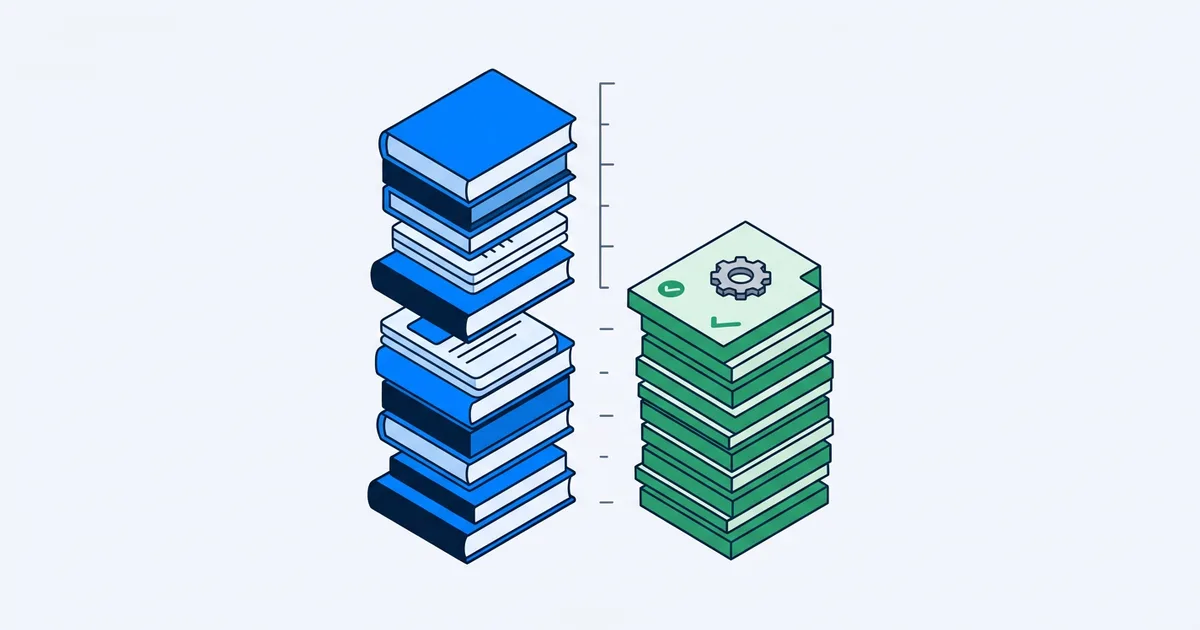
When I ask a manager how much they use AI, they almost always tell me what they know about it: which tools they've heard of, what they've read, what they saw in a demo. They rarely tell me which task in their week they already use it for. That happens because the two usually get measured together, and someone who knows a lot tends to assume they also use it a lot.
To separate them, we built an assessment that measures what you know on one side and what you actually do with AI in your work on the other. This article explains how it works, what you get back and how it helps a company that is just getting started with AI, or one whose team is already using it without a clear sense of where they stand.
Knowing about AI and applying it at work are measured separately
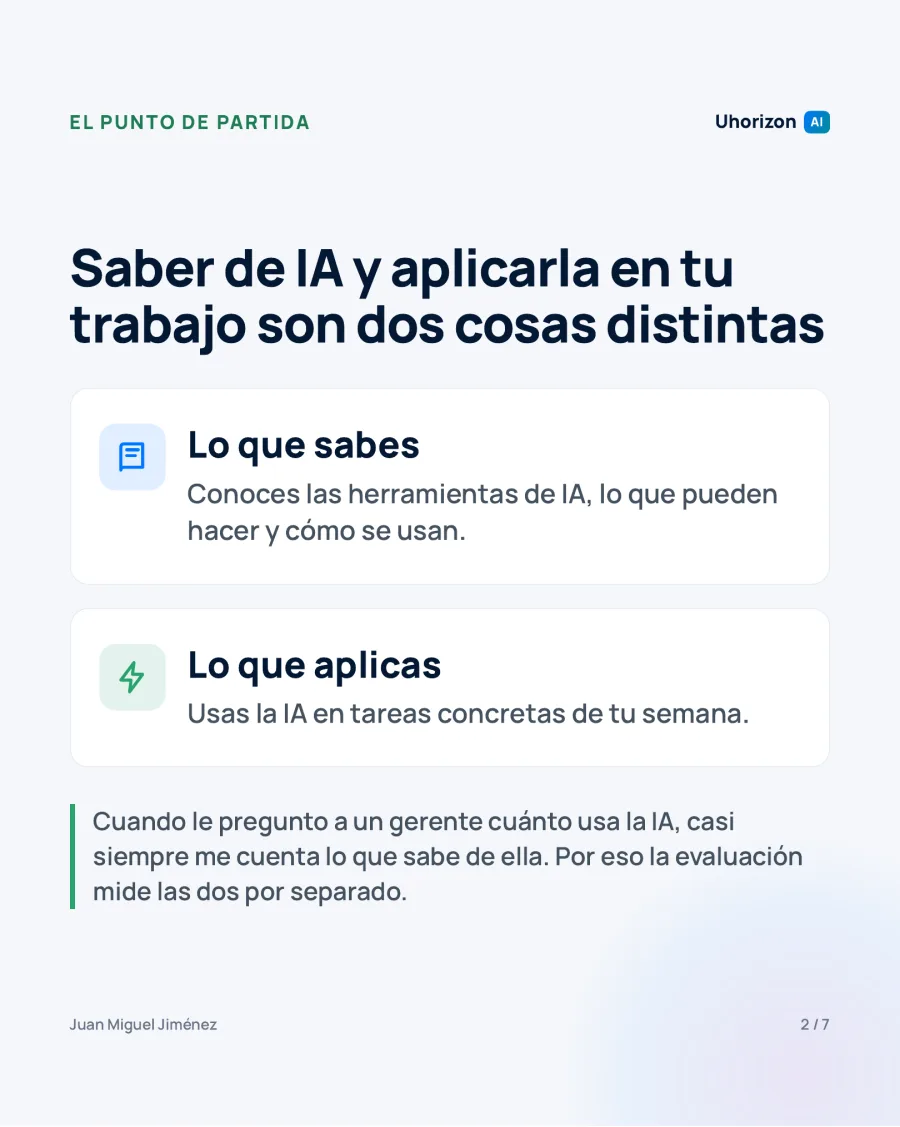
Knowing about AI means knowing the tools, what they can do and how to use them. Applying it means using it on specific tasks in your week, in a way that shows in what you deliver. A person can have plenty of the first and little of the second, and for the company, the second is what changes the results.
That's why the assessment, besides asking how much you know, asks how often you use AI, on which tasks and which assistants you've built, and uses those answers to calculate a grade separate from the one you report yourself.
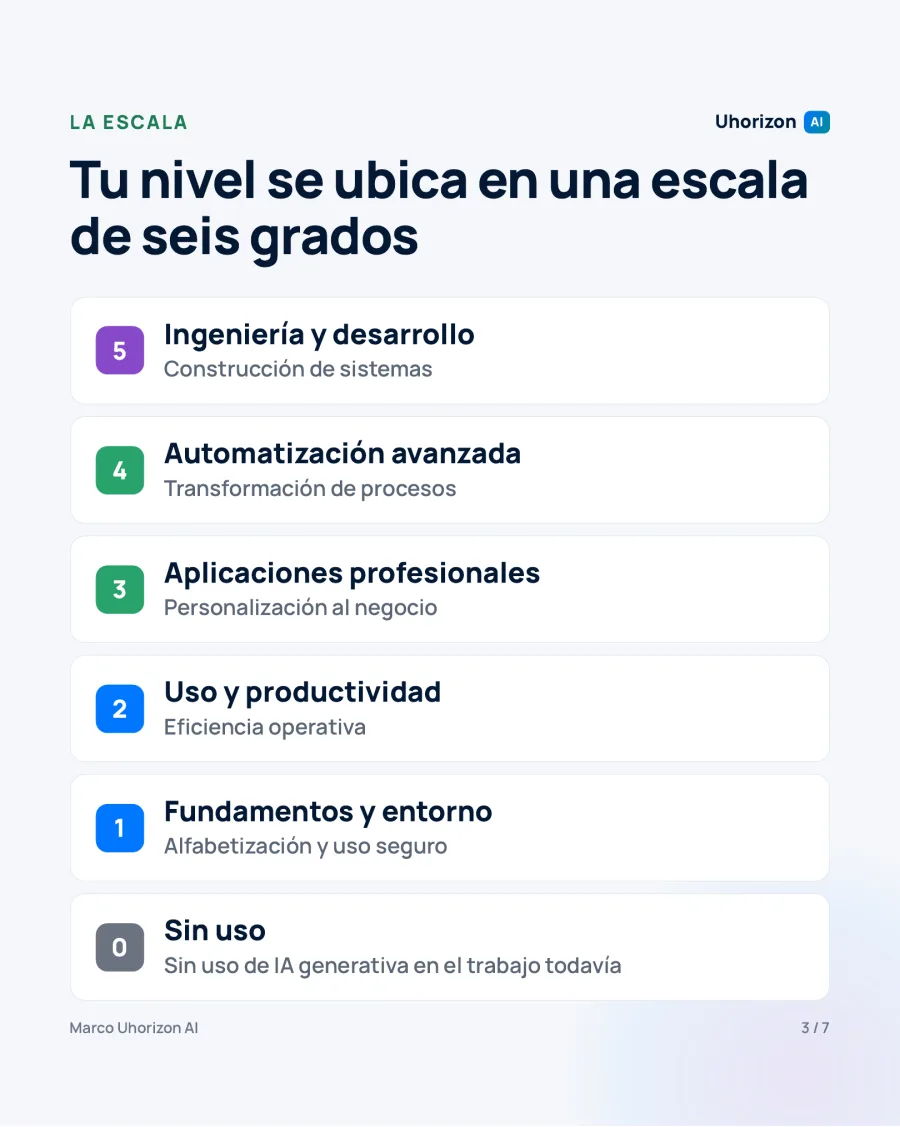
The scale has six grades, from not using AI to building systems with it
Each person is placed in one of six grades:
- 0 · No use. Doesn't use generative AI at work yet.
- 1 · Fundamentals and environment. AI literacy and safe use: corporate access, privacy and first tasks.
- 2 · Use and productivity. Operational efficiency: doing the same work faster and better, on everyday tasks.
- 3 · Professional applications. Tailored to the business: your own assistants with company context and internal knowledge.
- 4 · Advanced automation. Process transformation: designing the workflow inside a managed application.
- 5 · Engineering and development. Building systems: AI-assisted software, complex agents and technical architecture.
The scale gives everyone a shared language. When a manager says their team "already uses AI," they could mean grade 1 or grade 3, and the gap between the two is huge in terms of what the company can expect.
The gap between your self-reported and demonstrated grade shows where to go next
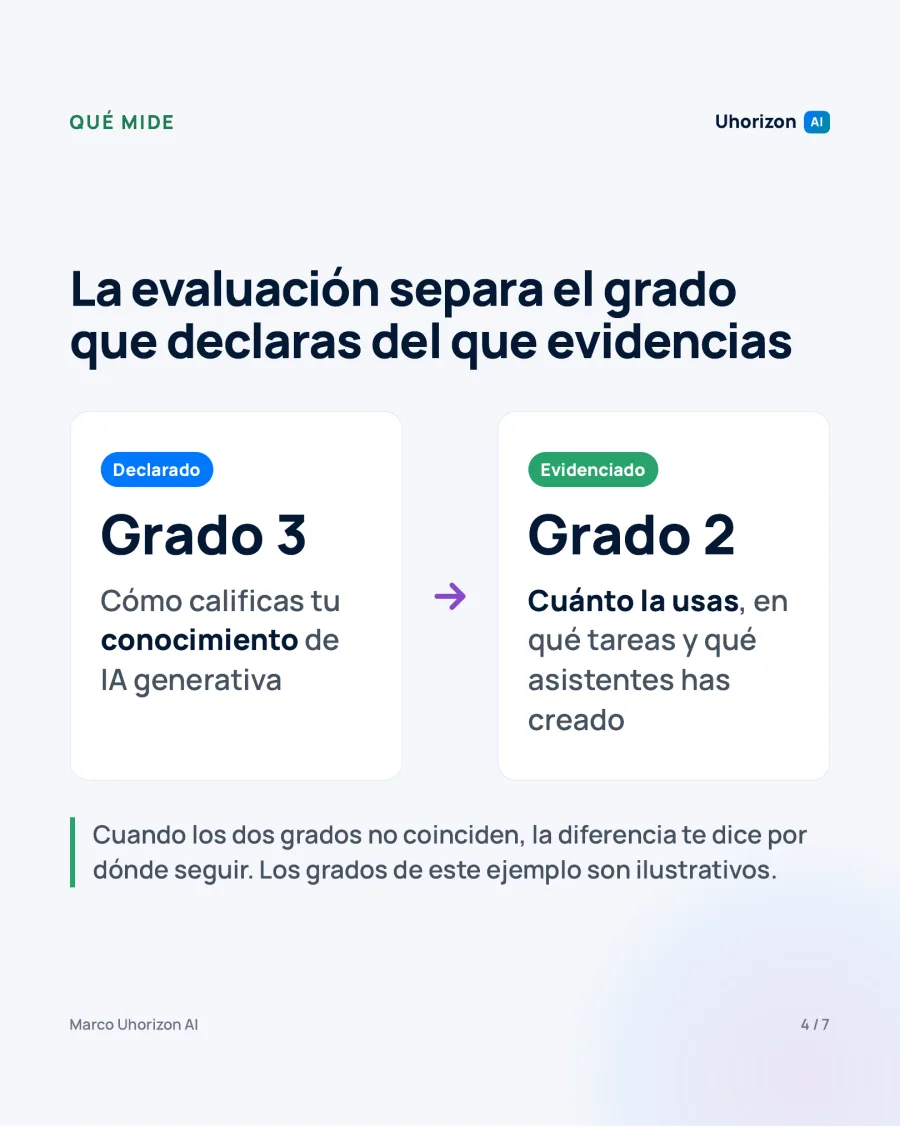
When you finish, you see two grades. The self-reported grade is how you rate your own knowledge of generative AI. The demonstrated grade comes from how much you use it, on which tasks and which assistants you've built.
For example, someone might report a grade 3 because they know the tools well and have seen what custom assistants can do, and land at a demonstrated grade 2 because during the week they use AI to draft and summarize but haven't built an assistant yet. The example is illustrative, and what matters is what the gap tells you: their next step is to take what they already know and apply it to a specific task in their job.
In 10 minutes you get your result and a plan for your situation
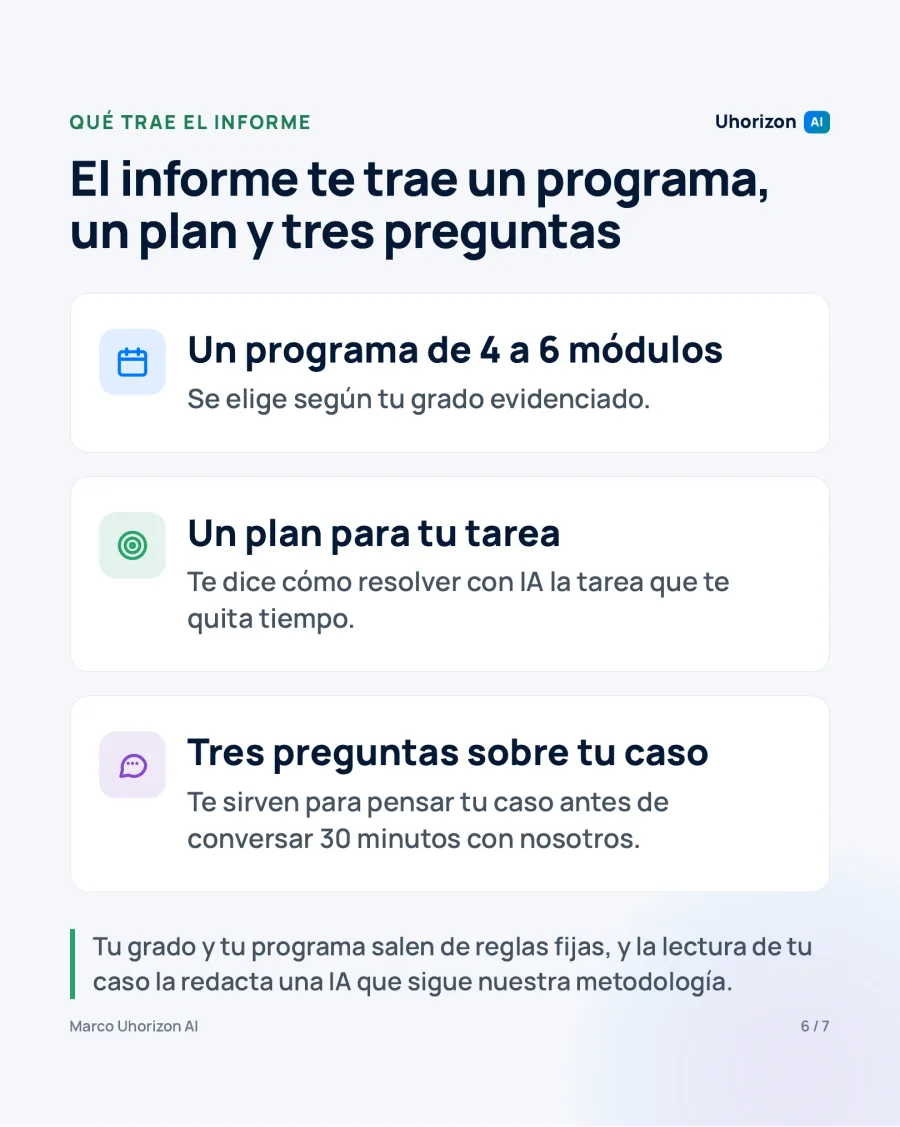
The assessment has between 15 and 24 questions about what you know and what you do with AI, and it takes about 10 minutes. At the end, it asks you to describe a task that eats up your time. You see both grades on screen as soon as you finish, and then you get a report by email with three things:
- A program of 4 to 6 modules, chosen based on your demonstrated grade.
- A three-step plan to handle the task you described with AI, using the tool you already have.
- Three questions about your situation, to think through before a 30-minute conversation with us.
Your grade and your program come from fixed rules, the same for everyone. The read on your situation, on the other hand, is written by an AI that follows our methodology, because that's where what you told us about your work really matters.
The company version shows which departments already use AI the most
What works for one person works for a team too. With the company version, everyone takes the same assessment and you receive, at no cost, a report by department showing which ones already use AI the most.
That changes the conversation about where to start. Instead of deciding on gut feel which department gets the first project or the first training, you see where there's already real usage to build on and where it makes sense to start with the fundamentals. If Operations, Sales, Finance and Legal land at different grades, knowing that before you invest keeps you from rolling out the same program to everyone.
If you'd like to try it, take it yourself first at assessment.uhorizon.ai. It's available in Spanish for now, and if it's useful, ask for the one for your team. And if, once you see your result, you'd like to think through with us what to do with it, let's talk for 30 minutes about your situation.